Summary
A short overview with decisions and open questions.
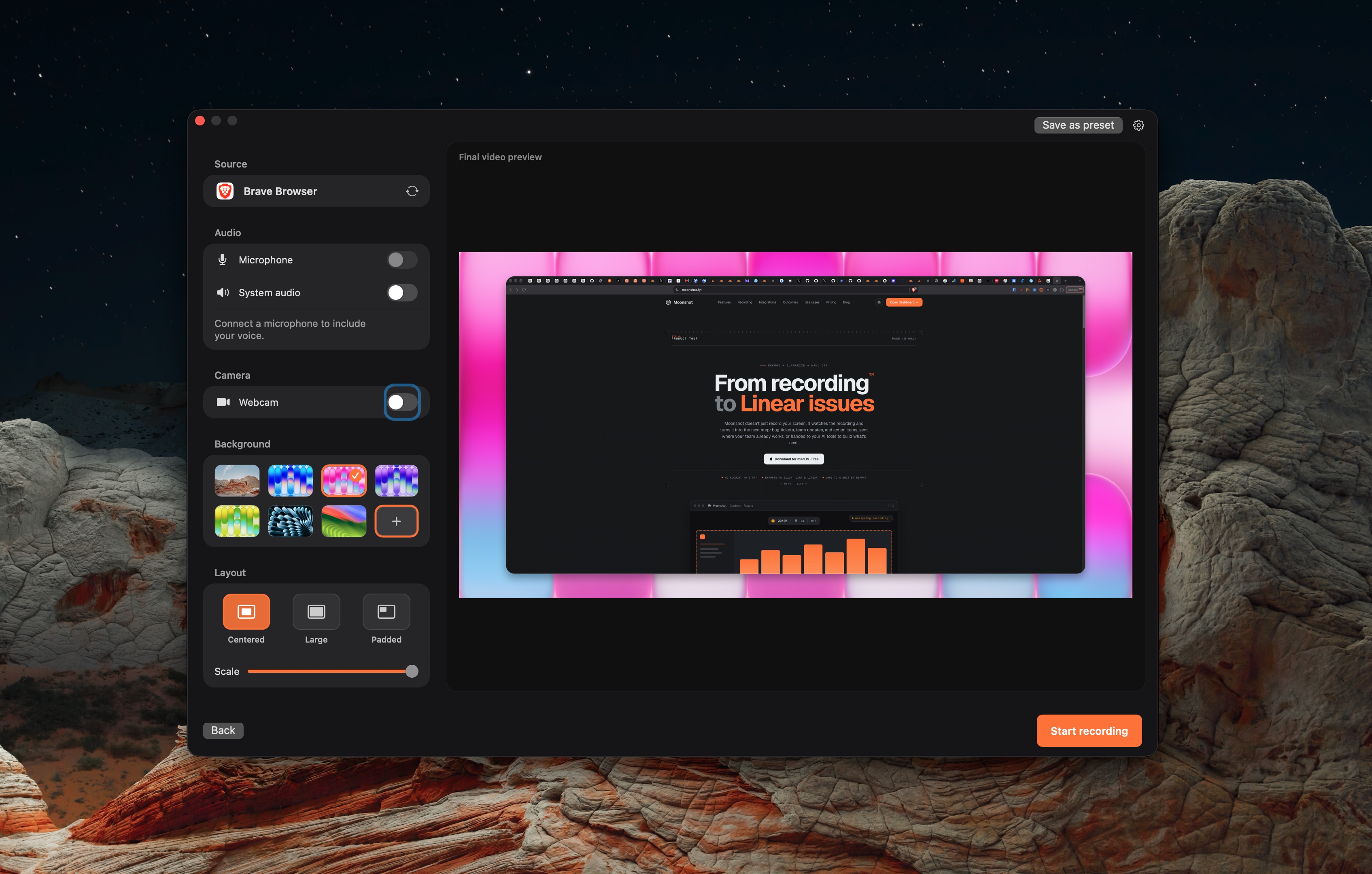
Record the walkthrough. Use its transcript to draft a summary, action items or a bug report. Review the output, then send it to the right place.
A short overview with decisions and open questions.
Tasks, owners and dates mentioned in the transcript. Check every item.
A draft with reproduction steps and expected versus actual behavior.
The AI action uses the transcript and supplied capture context. It does not verify a bug, inspect your console or infer everything visible on screen. Narrate the error, the steps and the environment.
Local capture works without an account. Uploading needs sign-in. Cloud AI actions require Pro or Team and are subject to the plan allowance. Processing time depends on the recording and service. There is no guaranteed turnaround time.
The documented AI-action input is the transcript and capture context. The draft needs your narration and review.
Action-item text can include a stated owner. Assignable workspace tasks are listed as coming soon.
Recording and local transcription work on your Mac. Cloud AI actions require sign-in and Pro or Team.