Shared video, polished Mac video, or a team handoff.
Loom emphasizes a shareable video message. Screen Studio emphasizes the finished video. Moonshot emphasizes the capture and the handoff after it.
 Loom
Loom Screen Studio
 Moonshot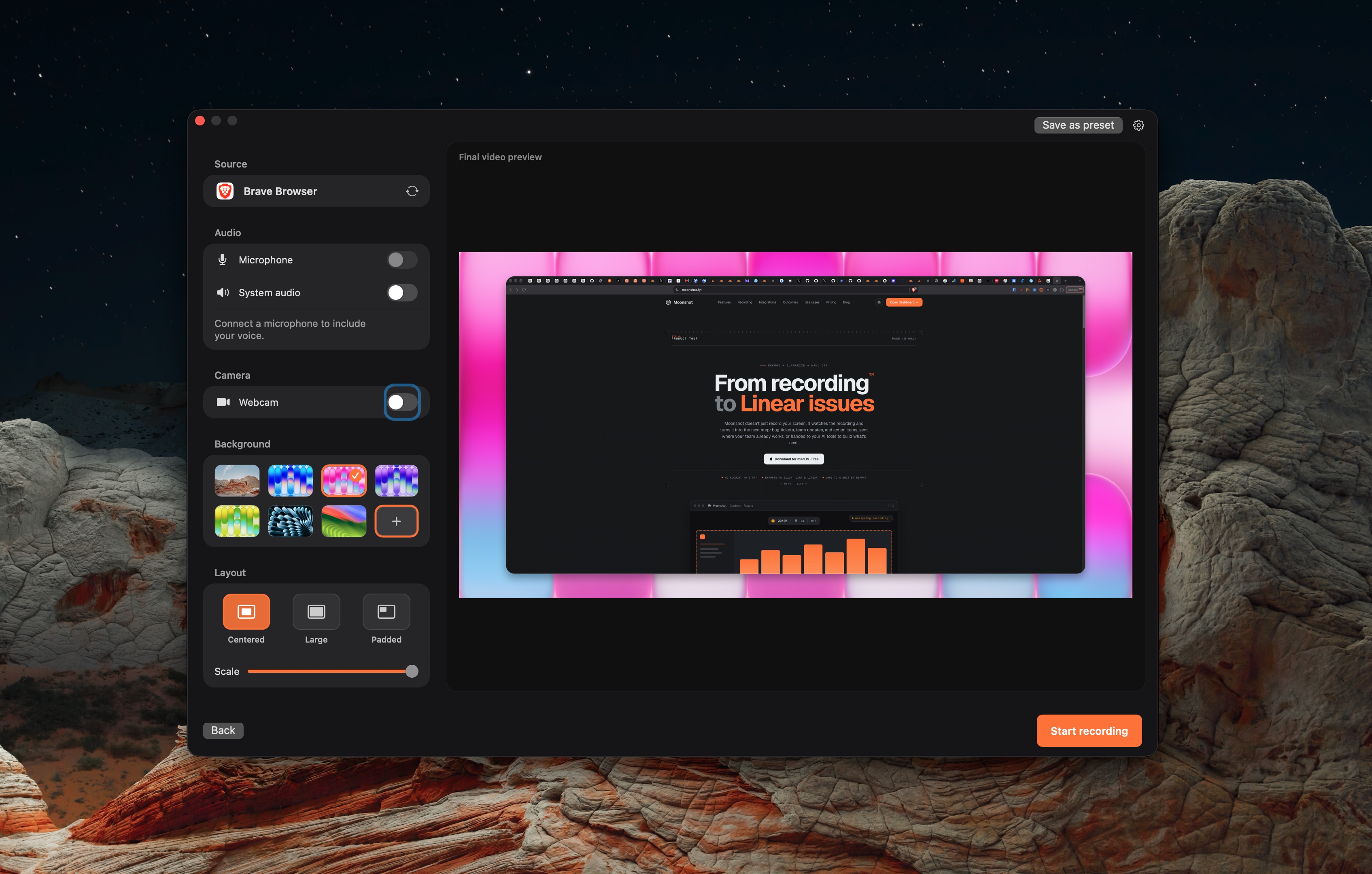
Three products, three jobs.
Screen Studio
Choose it when a polished macOS demo video is the deliverable.
Read Screen Studio's product pageMoonshot
Choose it when a local macOS capture needs a reviewed written handoff.
Read Moonshot's product pageUse the workflow to make the choice.
Product directions from Loom and Screen Studio documentation.
| Topic | Loom | Screen Studio | Moonshot |
|---|---|---|---|
| Mac recording | Loom documents a Mac desktop app. | Screen Studio documents a Mac app and recording workflow. | Moonshot requires macOS 15 or later on Apple silicon. |
| Polished output | Loom provides a hosted video-message workflow. | Screen Studio documents framing, captions, zooms, and export controls. | Moonshot is not a full video-editing suite. |
| Sharing | Loom documents share links, comments, captions, trim, and stitch controls. | Use Screen Studio’s documented export and sharing options. | Moonshot supports encrypted sharing and team handoffs. |
| Drafted handoff | Loom Business + AI includes summaries, tasks and video-to-text workflows. | Complete the handoff after export in your team tools. | Moonshot can draft from the recording transcript on Pro or Team. Review the draft before sending. |
A polished video and a written handoff solve different problems. Screen Studio is the stronger match for a finished demo; Moonshot is built for the work that follows a recording.
Check the product details.
These comparisons use linked vendor documentation, reviewed October 7, 2026. No hands-on comparison was performed.
Loom · Screen Studio · Moonshot · Loom plans