Window
Show one app. Window recording has background and layout controls.
Record a window, an area or your full screen. Add your voice, system audio or a webcam. Keep the file on your Mac, or upload it when you need a link.
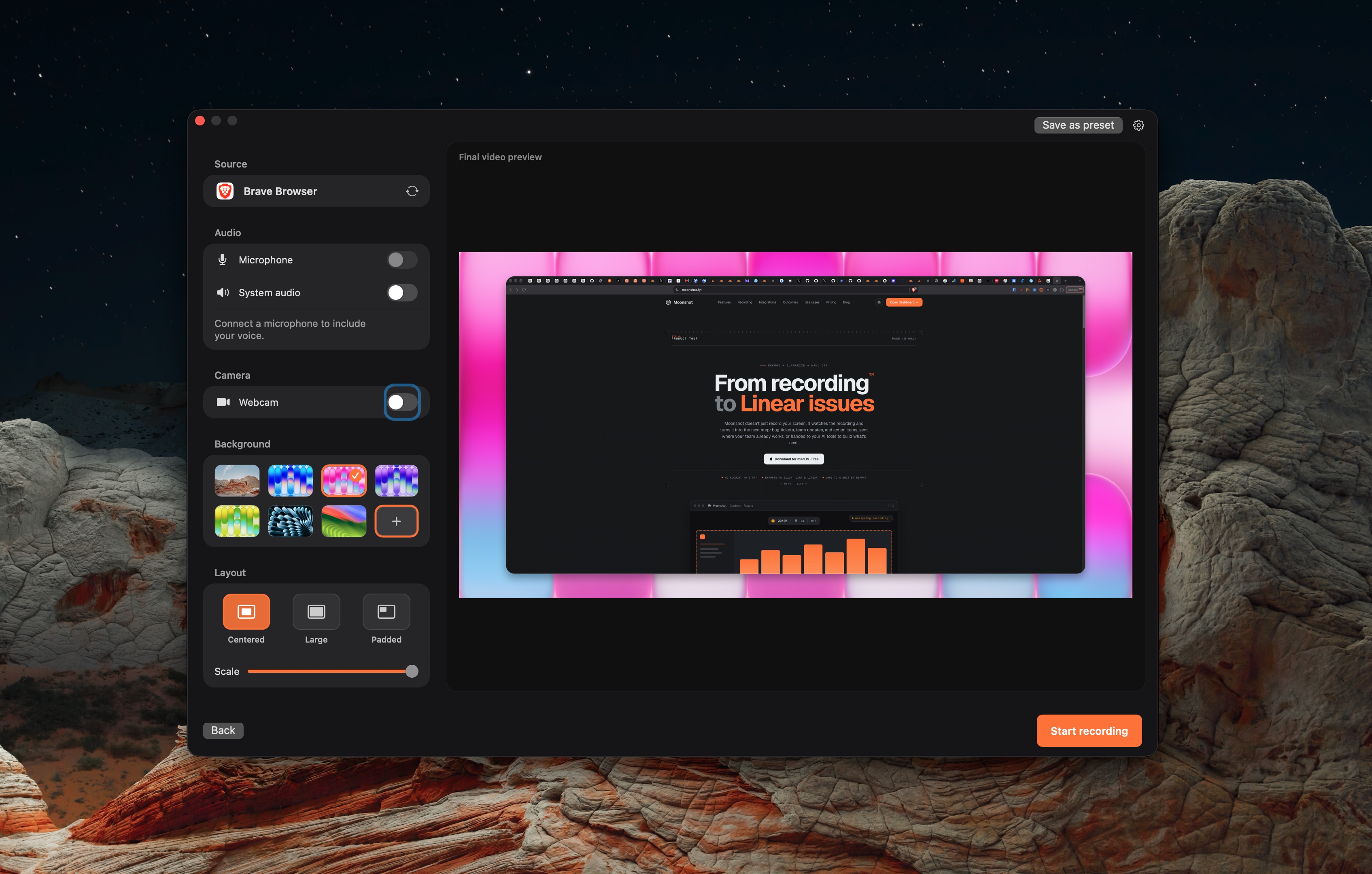
Show one app. Window recording has background and layout controls.
Draw a boundary around the part you want to explain.
Capture the display when the walkthrough needs more than one window.
Choose the window, area or display in Moonshot.
Enable Microphone, System audio or Webcam as needed. Check the selected device.
Stop, open the saved recording, and check picture and sound before you share.
Screenshots, short screen recordings, local Mac transcription and 1 GB cloud storage.
Cloud summaries, bug-report drafts and other AI actions. Allowances and storage depend on the plan.
Sign in when you need a cloud link. Keep local files on your Mac until then.
See current plans. Local capture works without an account. Uploading needs sign-in. Cloud AI actions require Pro or Team and are subject to the plan allowance.
The public Moonshot download requires macOS 15 or later and Apple silicon.
Yes. Local capture and export do not require sign-in. Cloud sharing does.
Cloud AI actions require Pro or Team. Local Mac transcription is separate.
 Loom
Loom Screen Studio
 Moonshot