A video feedback tool with the context attached.
Share the work as a recording. Ask for feedback on the relevant moment. Keep comments beside the video so the next edit has context.
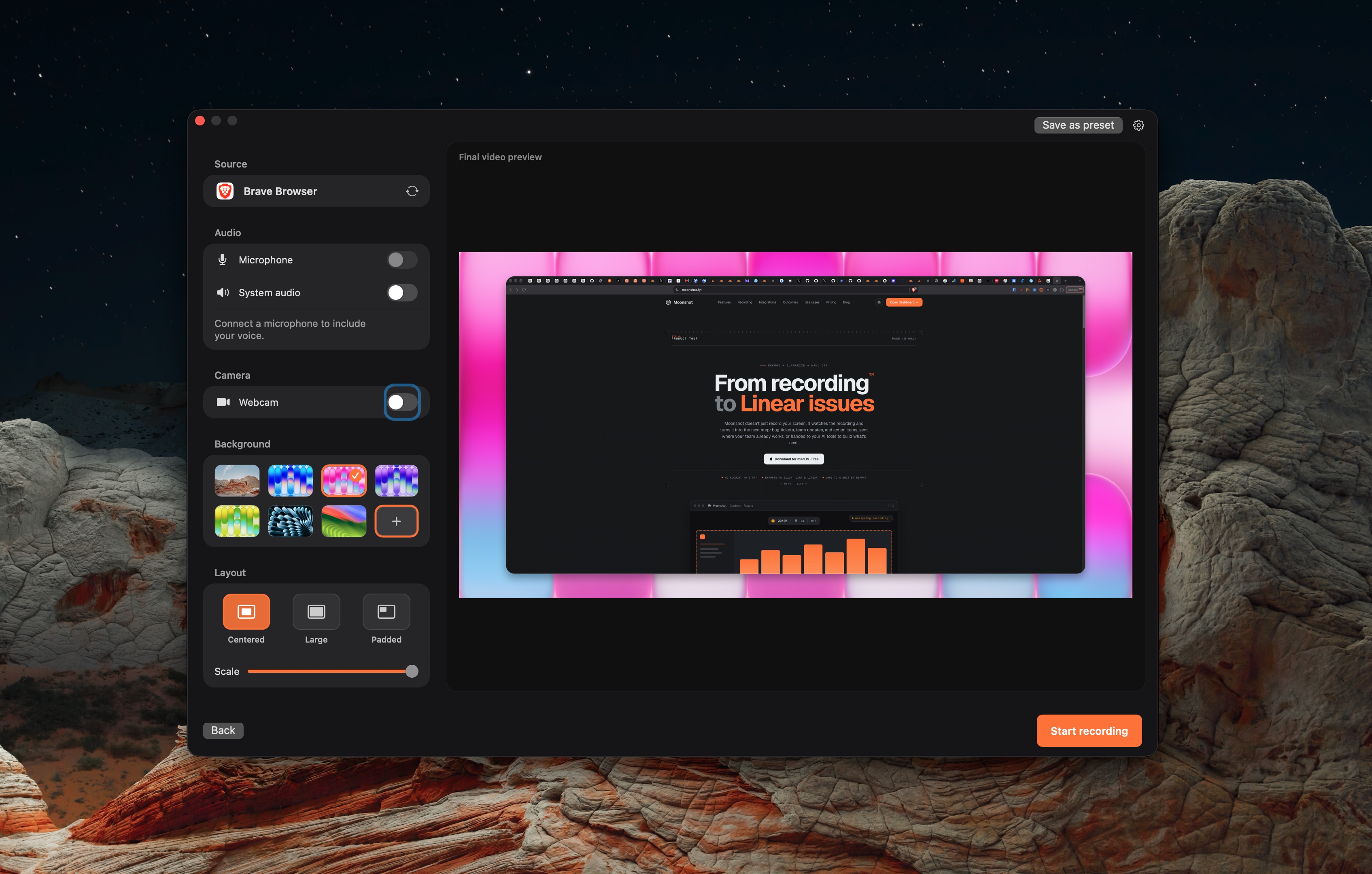
Keep the explanation and the next step together.
- 01
Record the work
Explain the changes and the specific feedback you need.
- 02
Share for review
Upload the recording and use the link controls available on your plan.
- 03
Comment at the moment
Team review supports timestamped video comments. Jump from a comment to the recording.
Give the reviewer a clear task.
What this workflow covers.
Timestamped review is a Team feature. A comment is feedback, not a formal approval record. Version comparison, drawn video annotations and formal approvals need a separate review tool.
Local capture works without an account. Uploading needs sign-in. Cloud AI actions require Pro or Team and are subject to the plan allowance.
 Loom
Loom Screen Studio
 Moonshot