From recordingTM
to a summary draft
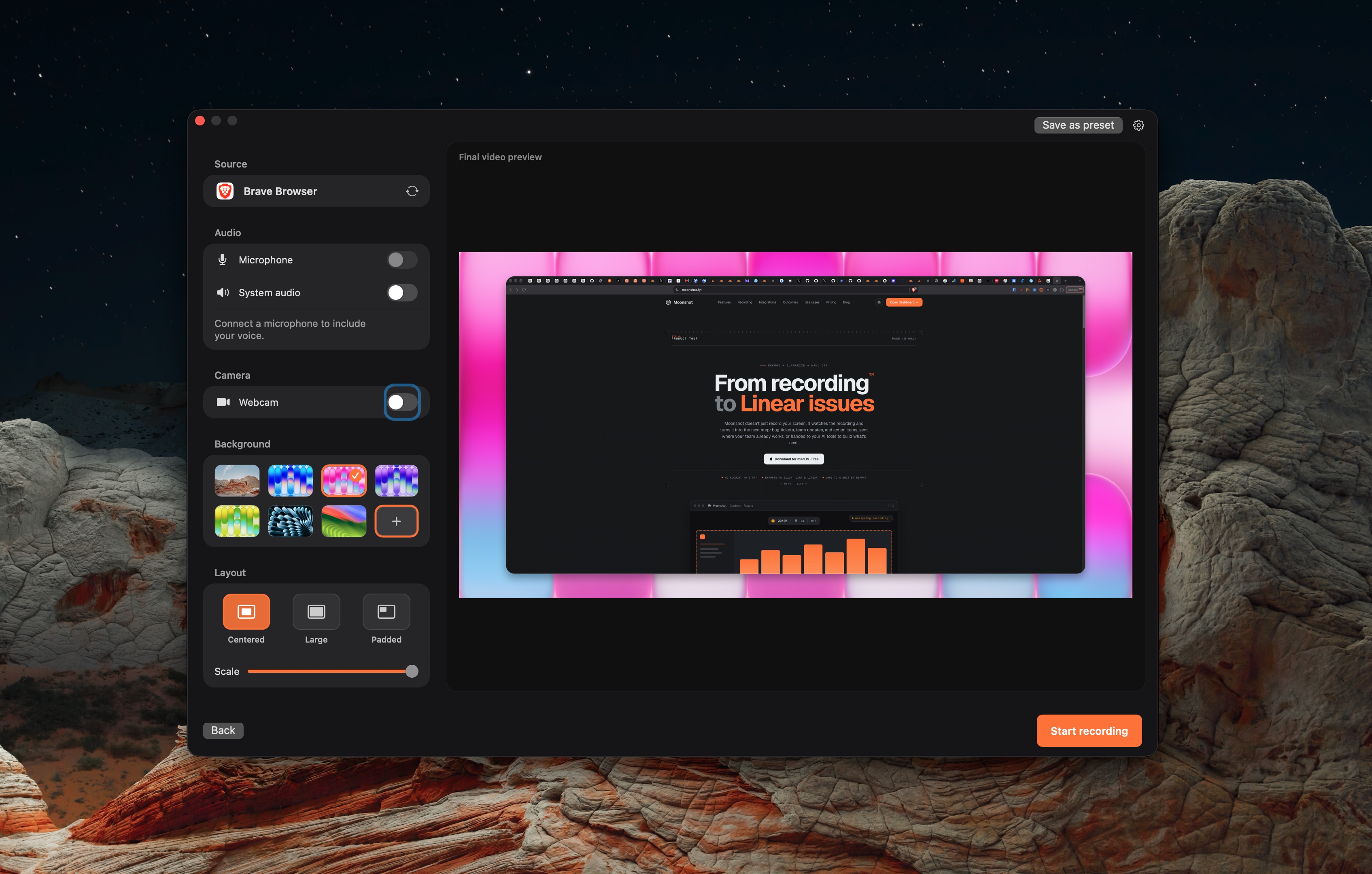
Capture a Mac screen with the audio and webcam controls you choose. On paid plans, Moonshot can turn a transcript into a summary, bug-report, or action-item draft for you to review.
Your recordings,
turned into next steps.
Capture what happened, then use the transcript to prepare a draft you can review and share.
Bug-report drafts
Record the glitch once. Use a transcript-led bug-report draft as a starting point, then review it before you create an issue.
recording → ticket ↗Summaries and action items
Turn a narrated recording into a short summary or action-item draft. Review the text before you share it with your team.
meeting → action items ↗Share an async update
Share a captioned walkthrough with a private link. Great for client demos, video feedback, and updates across timezones.
walkthrough → shared link ↗Connect your AI tools
Point Claude or Cursor at your library over MCP. Your agent reads the transcript and builds from the conversation: a spec, a doc, or the next prototype.
conversation → prototype ↗Built to fit how your
team already works.
Record locally. Add captions and share when the file is ready.
Export to Slack, Linear, GitHub & more
Send recordings, bug reports, and summaries to the tools your team already uses. Connect the destination and review the text before sending.
Add readable captions
Add captions to a recording when you want viewers to follow without sound.
Preset formats
One-tap sizing for TikTok, YouTube, and square, no resizing later.
Record without the setup
Save your mic, camera, and format as a template. Hit record and go.
Custom share overlay
OptionalAdd a logo and text overlay to newly shared recordings when you choose to apply a custom brand.
One little bar.
Everything you need.
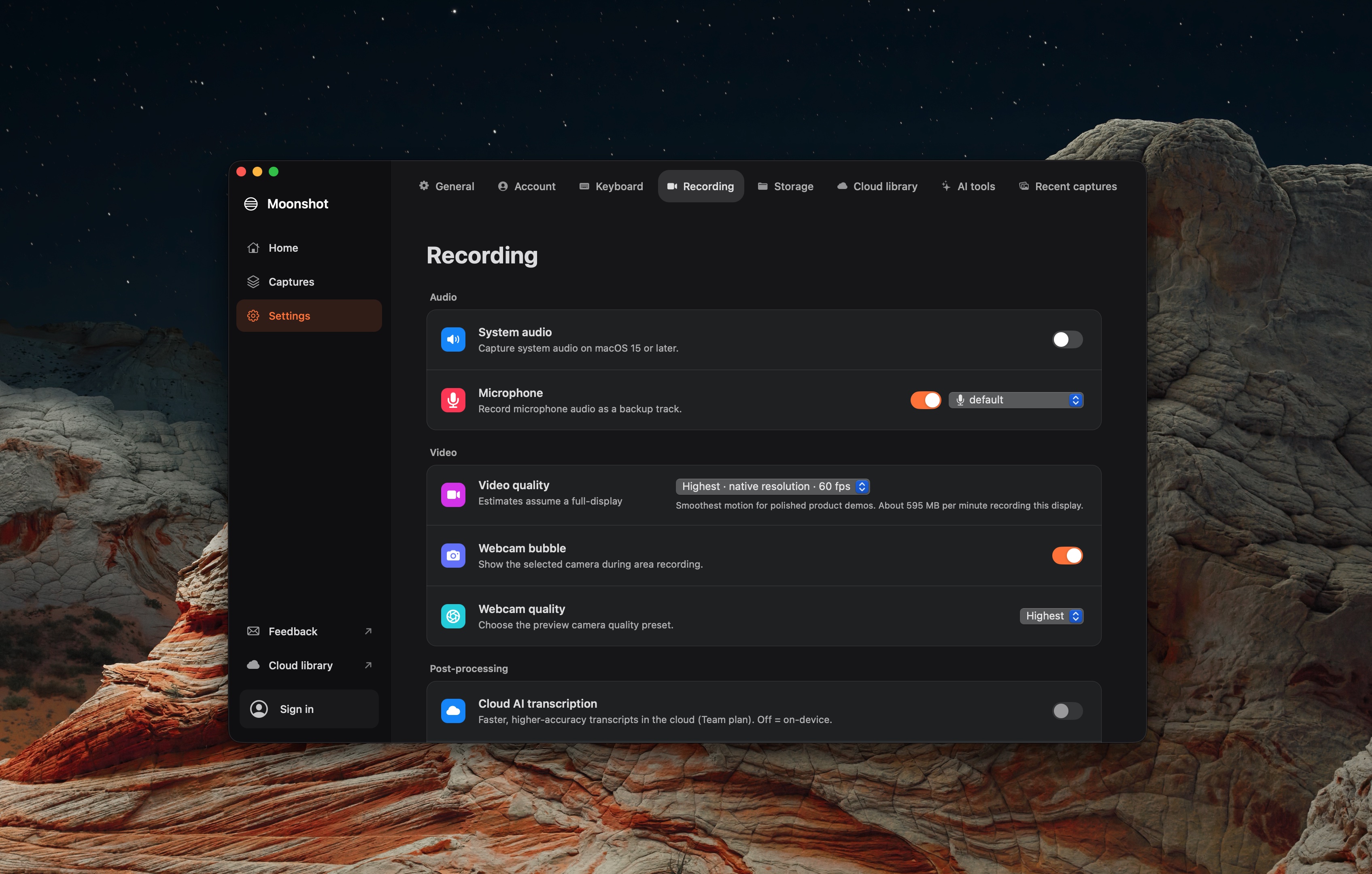
Choose microphone, camera, and system-audio controls before recording. Add click highlights and annotation when showing a step.
Your recordings,
a tool your AI can call.
Moonshot offers an MCP server for clients that can use your recording library. Give an AI client transcript context, then review any result before you share it or send it to a connected tool.
Select a recording
Your AI client can work from the recording information and transcript you make available.
Read the transcript
Use transcript-grounded context to prepare a summary, bug report, or a next-step draft.
Choose what to send
Review the result and choose whether to share a link or create work in a connected tool.
Simple plans. Start free.
For solo capture and the occasional share.
Download freeFor people who record and share every day.
Start ProFor teams making decisions together.
Create team workspace