
Loom
Loom documents a Mac desktop app plus browser and mobile recording options.
Read Loom's product pageScreen Studio emphasizes polished Mac video. Loom emphasizes video sharing. Moonshot emphasizes a macOS recording that can move into a team handoff.
Loom Screen Studio
 Moonshot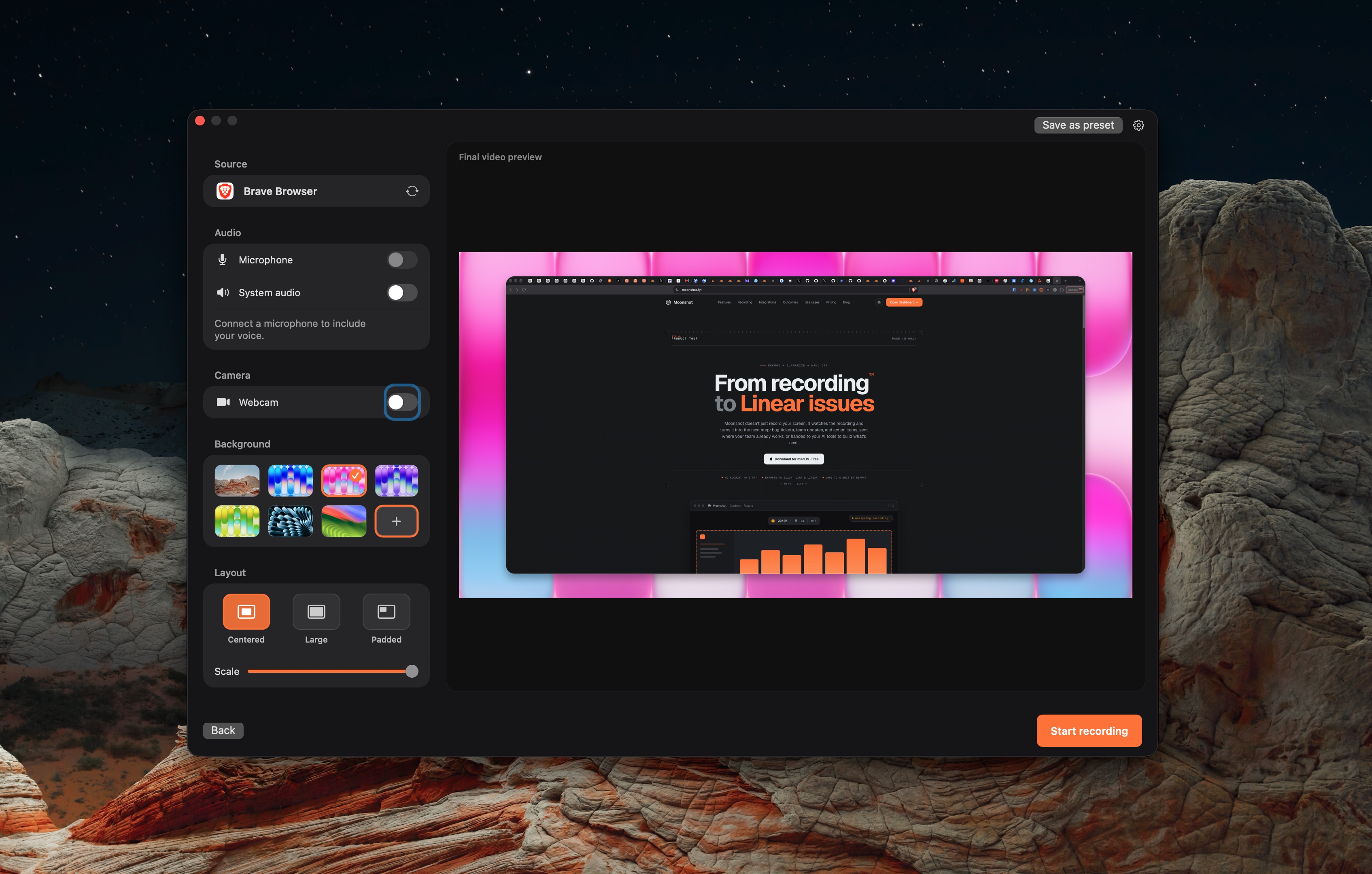
Loom documents a Mac desktop app plus browser and mobile recording options.
Read Loom's product pageScreen Studio documents a Mac recorder and editor with camera, microphone, system audio, captions, zooms, and exports.
Read Screen Studio's product pageMoonshot is a macOS capture app for screenshots and recordings. Local capture is available on Free.
Read Moonshot's product pageMac recording features from linked vendor documentation.
| Topic | Loom | Screen Studio | Moonshot |
|---|---|---|---|
| Mac recording | Loom documents a Mac desktop app. | Screen Studio documents a Mac app and Mac recording workflow. | Moonshot requires macOS 15 or later on Apple silicon. |
| Polished demo output | Use a hosted Loom message when that fits the task. | Screen Studio documents framing, zooms, captions, and export controls. | Moonshot is not a full video-editing suite. |
| Free starting point | Loom Starter is free: up to 25 videos per person, with a 5-minute limit per screen recording. See plan details. | Screen Studio publishes its current trial and license terms. | Moonshot Free includes local screenshots, annotation, blur, short recordings, encrypted sharing, and 1 GB cloud storage. |
| Audio context | Loom lists system audio and screen-plus-camera recording across its plans. | Screen Studio documents microphone and system-audio controls. | Use Moonshot’s recording controls and macOS permissions for the intended input. |
Apple’s Screenshot app can also record on macOS. Apple documents system-audio support in Screenshot on macOS 27 or later, so confirm the OS and capture requirement before buying another recorder.
Sources checked October 7, 2026: Loom · Screen Studio · Moonshot · Loom plans.
Sources describe current product material, not a benchmark. Moonshot cloud AI actions use recording transcript and capture context, require Pro or Team, and should be reviewed before sending.