
Jam
Jam documents browser capture, AI summaries, reproduction steps, and available technical context such as logs and network requests.
Read Jam's product pageJam, Loom, and Moonshot can each begin with a recording. They differ in the context they collect and in how the report moves to a team.
Jam Loom
Loom Moonshot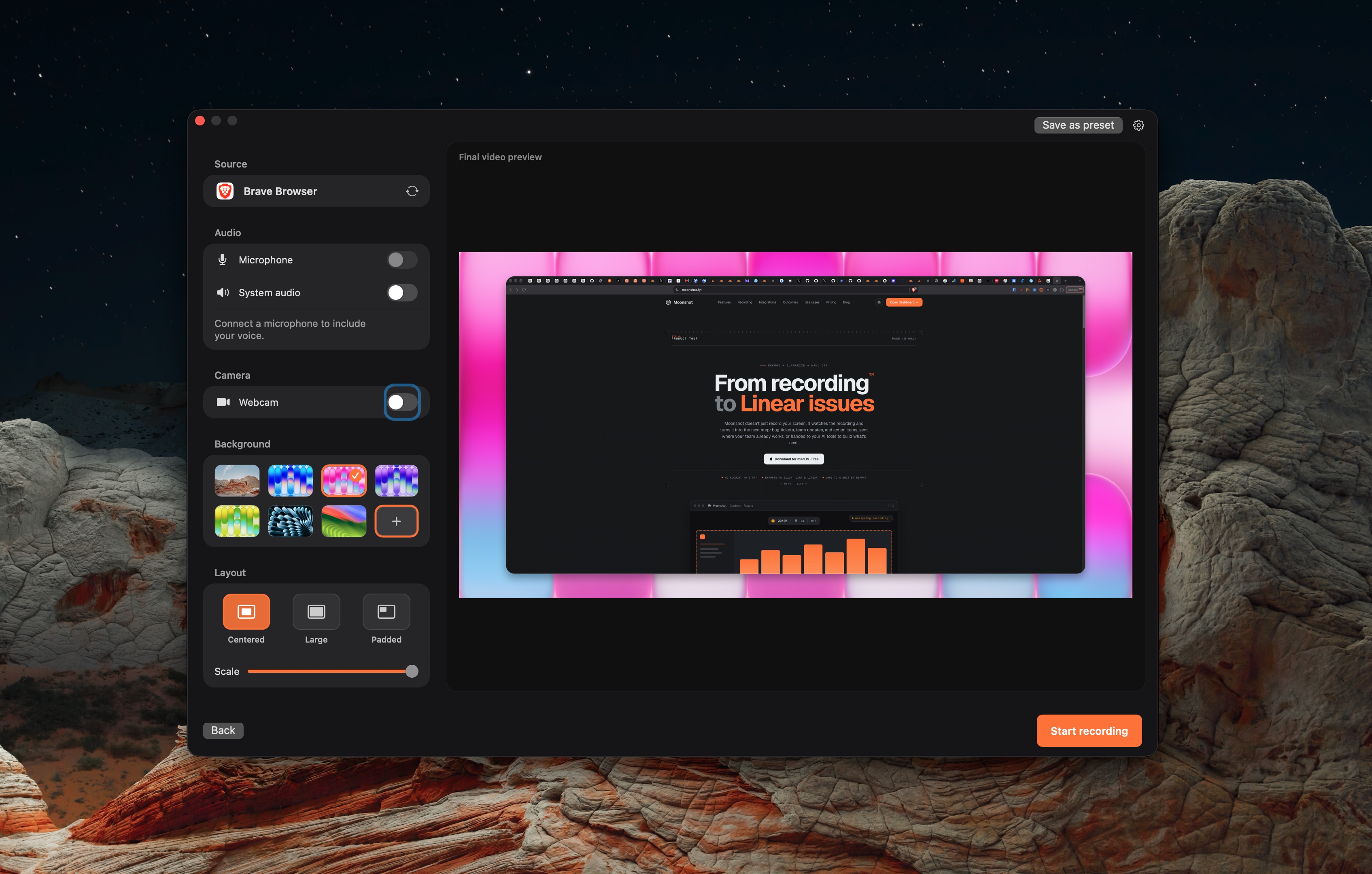
Jam documents browser capture, AI summaries, reproduction steps, and available technical context such as logs and network requests.
Read Jam's product pageLoom is a video messaging platform with Mac desktop, browser, and mobile recording.
Read Loom's product pageMoonshot records on macOS and supports Jira, Linear, Slack, and GitHub handoffs.
Read Moonshot's product pageThese products are capture and handoff tools, not full issue trackers.
| Topic | Jam | Loom | Moonshot |
|---|---|---|---|
| Capture focus | Browser bug reports with available technical context. | Video messages and shared recordings. | macOS screen capture with supported team handoffs. |
| Technical context | Jam documents available logs, network requests, user events, and device details. | Loom documents a recording and sharing workflow. | Moonshot’s integration pages describe recording and written handoffs, not browser instrumentation. |
| Issue tracking | Jam documents routing to Jira and Linear. | Loom lists Jira and GitHub integrations in its plans. | Moonshot has Jira and Linear integrations. |
| AI output | Jam documents AI summaries and reproduction steps. | Loom Business + AI includes summaries, tasks and video-to-text workflows. | Moonshot cloud actions use a recording transcript and capture context on Pro or Team, then need review. |
Keep the tracker your team already uses. The question here is which capture workflow gives the next person enough context to reproduce and prioritize the issue.
Sources checked October 7, 2026: Jam · Loom · Moonshot · Loom plans.
Sources describe current product material, not a benchmark. Moonshot cloud AI actions use recording transcript and capture context, require Pro or Team, and should be reviewed before sending.