Video message, video creation, or the handoff after a recording.
Loom focuses on shared video messages. Tella focuses on video creation. Moonshot focuses on macOS capture and the written work that can follow it.
 Loom
Loom Tella
Tella Moonshot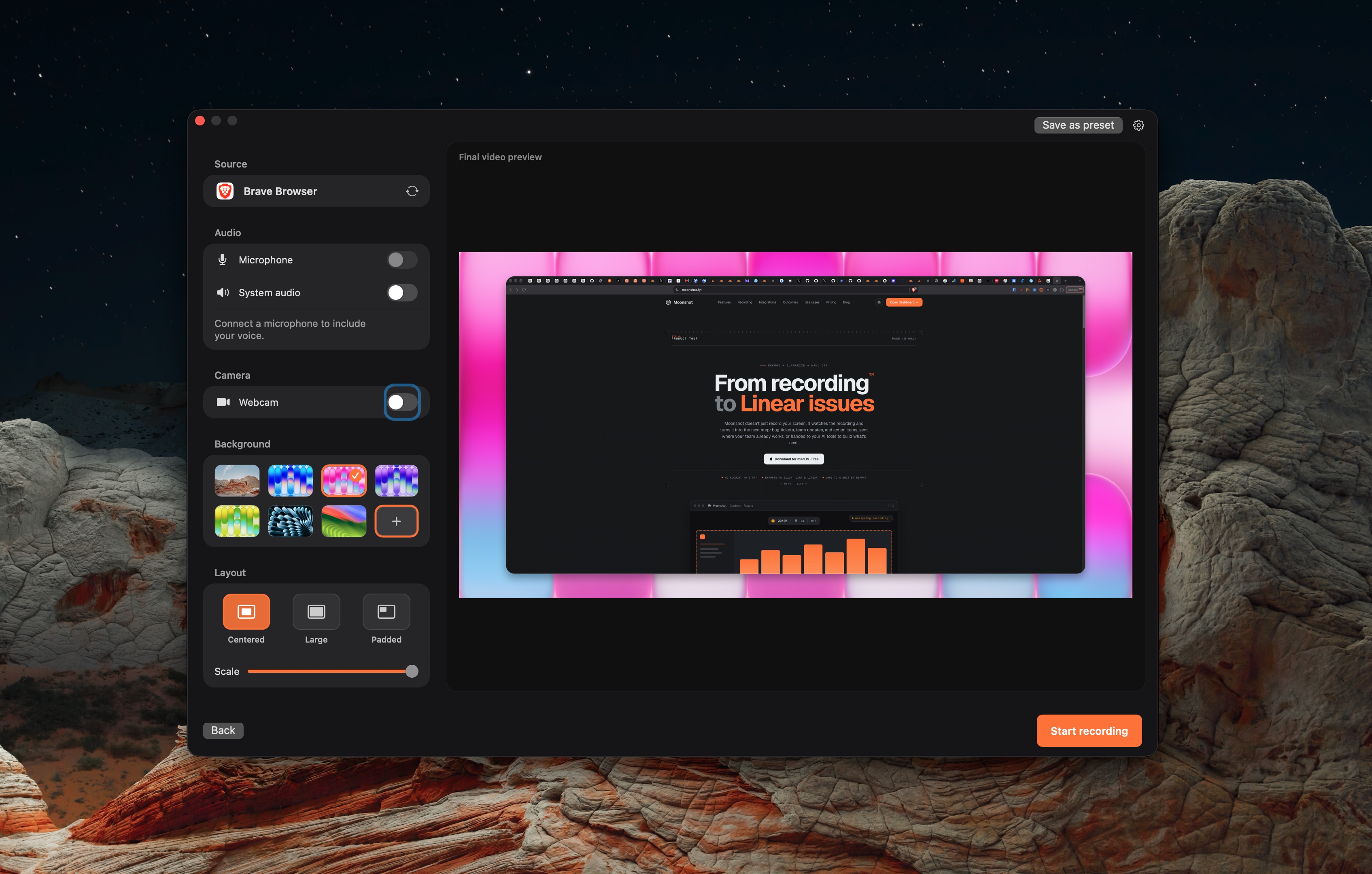
Three products, three jobs.
Tella
Choose it when you need to record, edit, and share across Mac, Windows, or the web.
Read Tella's product pageMoonshot
Choose it when a local macOS capture needs a reviewed written handoff.
Read Moonshot's product pageUse the workflow to make the choice.
No vendor rating is assigned on this page.
| Topic | Loom | Tella | Moonshot |
|---|---|---|---|
| Primary direction | Record and share video messages. | Create videos with Tella’s current creation workflow. | Capture locally, then use a supported handoff. |
| Product documentation | Loom documents share links, comments, captions, trim, and stitch controls. | Tella’s product pages are the source for current recording and editing features. | Moonshot Free includes local capture; cloud AI drafts require Pro or Team. |
| Platform | Loom lists Mac and Windows desktop apps, a Chrome extension, and iOS and Android apps. | Tella’s product pages describe current platform availability. | macOS 15 or later on Apple silicon. |
| Written follow-up | Use Loom’s current AI and integration workflow where it fits. | Complete the handoff in your team tools. | Moonshot can draft from the recording transcript on Pro or Team. Review the draft before sending. |
Use the same short recording in each tool before switching a workflow. Product pages and plan limits change, so confirm the detail that matters to your team.
Check the product details.
These comparisons use linked vendor documentation, reviewed October 7, 2026. No hands-on comparison was performed.
Loom · Tella · Moonshot · Loom plans