Choose the video workflow by who needs to act next.
Loom is a video messaging product. Vidyard publishes video tools for revenue teams. Moonshot focuses on macOS capture and a supported internal handoff.
 Loom
Loom Vidyard
 Moonshot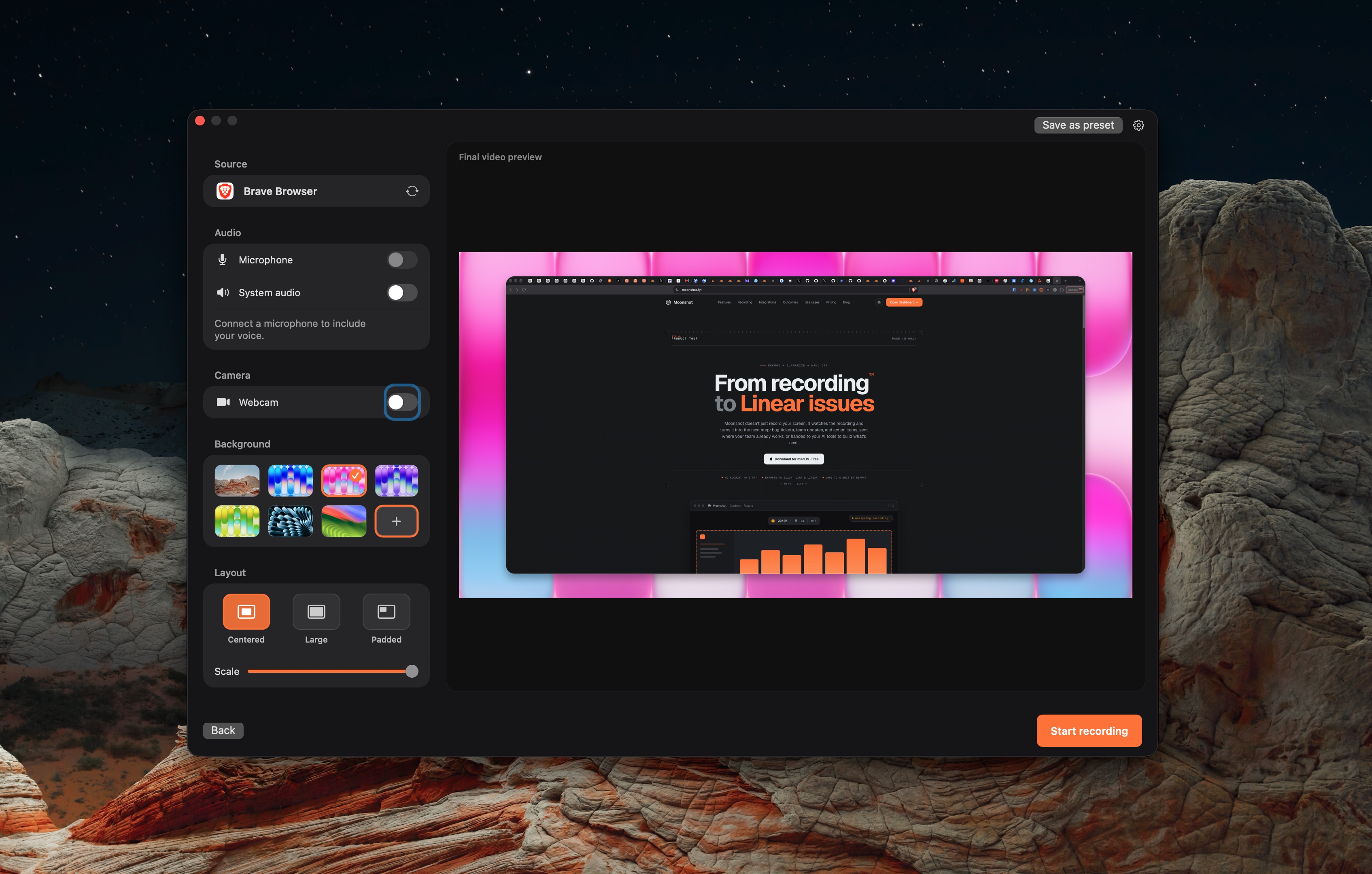
Three products, three jobs.
Vidyard
Choose it when you need to share a screen or camera message with colleagues or customers.
Read Vidyard's product pageMoonshot
Choose it when a local macOS capture needs a reviewed written handoff.
Read Moonshot's product pageUse the workflow to make the choice.
Revenue-video and internal-handoff workflows are not equivalent.
| Topic | Loom | Vidyard | Moonshot |
|---|---|---|---|
| Primary direction | Shared video messages. | Video tools for revenue teams, including free screen, camera, and audio recording. | Capture on macOS and use supported internal handoffs. |
| Recording access | Loom lists Mac and Windows desktop apps, a Chrome extension, and iOS and Android apps. | Vidyard documents screen, camera, and audio recording. | Moonshot Free includes local screenshots, annotation, blur, short recordings, encrypted sharing, and 1 GB cloud storage. |
| Sales and marketing workflow | See Loom’s current plan and integration pages. | Vidyard’s product documentation describes its revenue-team workflow. | Moonshot is not a CRM or marketing automation system. |
| Written internal handoff | Use Loom’s current AI and integration workflow where it fits. | Complete the handoff in your team tools. | Moonshot can draft from the recording transcript on Pro or Team. Review the draft before sending. |
If the next action is in a CRM or marketing system, use the vendor’s current documentation to validate the needed connection. Moonshot’s documented integrations are for team handoffs such as Jira, Linear, Slack, and GitHub.
Check the product details.
These comparisons use linked vendor documentation, reviewed October 7, 2026. No hands-on comparison was performed.
Loom · Vidyard · Moonshot · Loom plans