
Screen Studio
Screen Studio documents a macOS recorder and editor for polished demos.
Read Screen Studio's product pageScreen Studio and Tella focus on making the video presentable. Moonshot focuses on local macOS capture and a structured handoff after the recording.
Screen Studio Tella
Tella Moonshot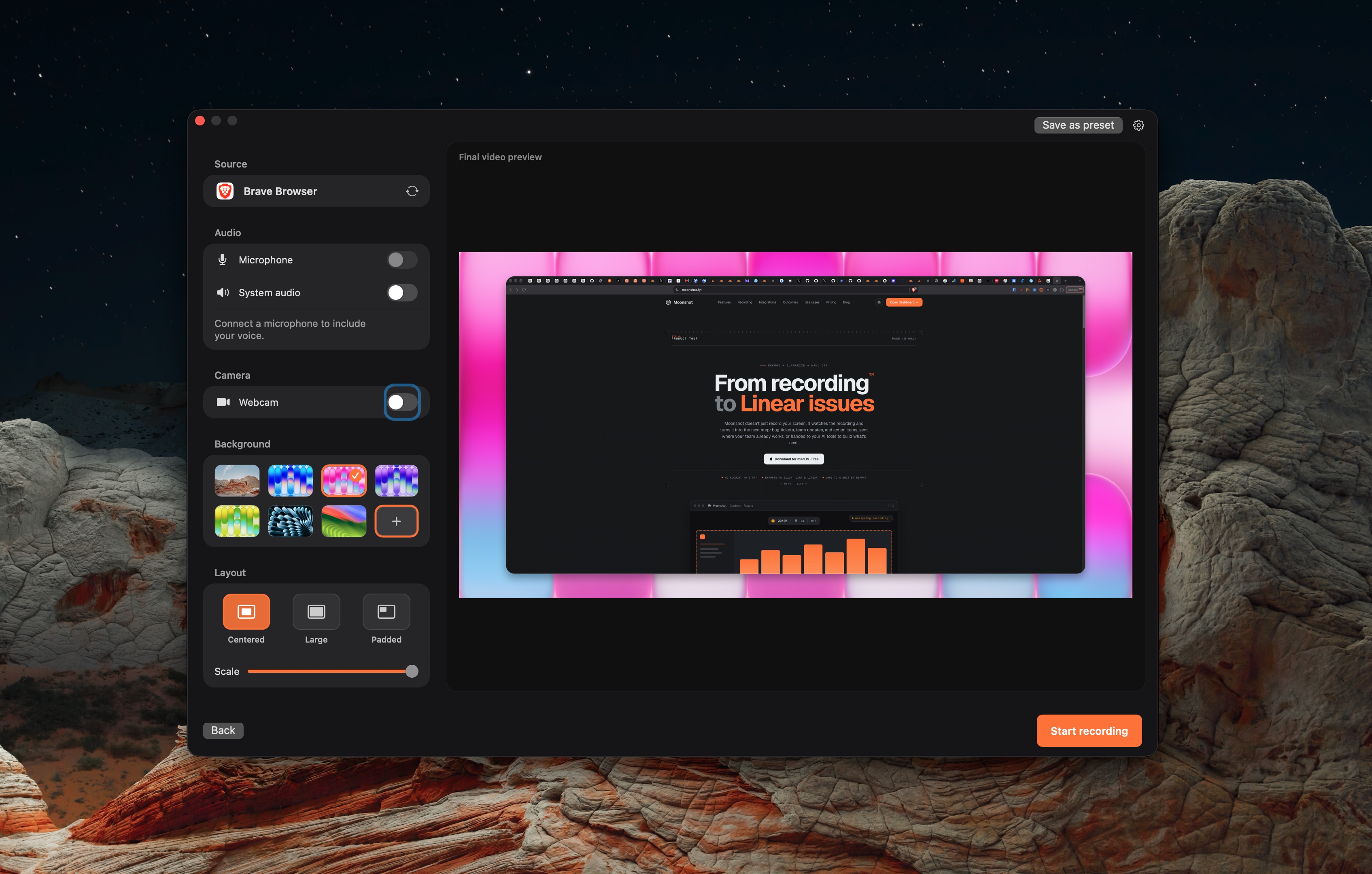
Screen Studio documents a macOS recorder and editor for polished demos.
Read Screen Studio's product pageTella records screen, camera and audio on Mac, Windows and in a browser. It includes layouts, transcript editing and exports.
Read Tella's product pageMoonshot records on macOS and supports Jira, Linear, Slack, and GitHub handoffs.
Read Moonshot's product pageProduct directions from the linked official pages.
| Topic | Screen Studio | Tella | Moonshot |
|---|---|---|---|
| Finished video | Screen Studio documents recording, framing, edits, and export. | Tella documents layouts, zooms, captions and transcript-based editing. | Moonshot is a weaker fit for polished video production. |
| Written handoff | Export or share the recording, then use your team tools. | Share a Tella video link or export the finished video. | Moonshot can route a recording to supported integrations. Cloud AI drafts need Pro or Team. |
| Platform | Screen Studio documents macOS. | Tella lists Mac and Windows apps, a web recorder and a Chrome extension. | Moonshot requires macOS 15 or later on Apple silicon. |
| Free starting point | Screen Studio publishes its current trial and license terms. | Tella offers a 7-day Pro trial, then paid plans. | Moonshot Free includes local screenshots, annotation, blur, short recordings, encrypted sharing, and 1 GB cloud storage. |
This is a comparison of product directions, not a benchmark. Use a short real recording to evaluate the output and the handoff each workflow creates.
Sources checked October 7, 2026: Screen Studio · Tella · Moonshot.
Sources describe current product material, not a benchmark. Moonshot cloud AI actions use recording transcript and capture context, require Pro or Team, and should be reviewed before sending.