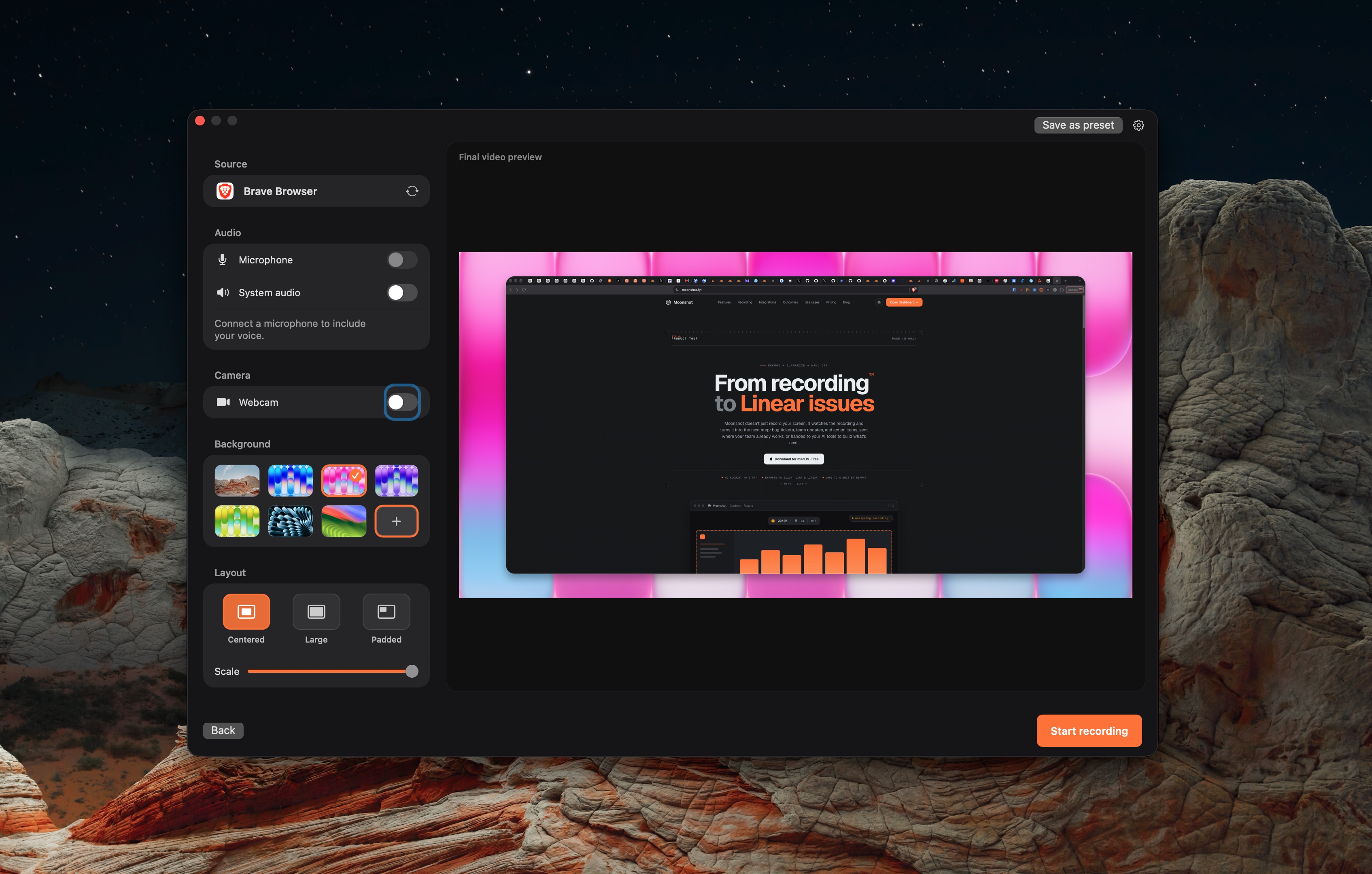
Screenshot
Use it for a static layout, error message or one requested change.
Capture the part that matters. Crop, annotate or blur details before you share. Keep the image on your Mac until you choose to upload it.
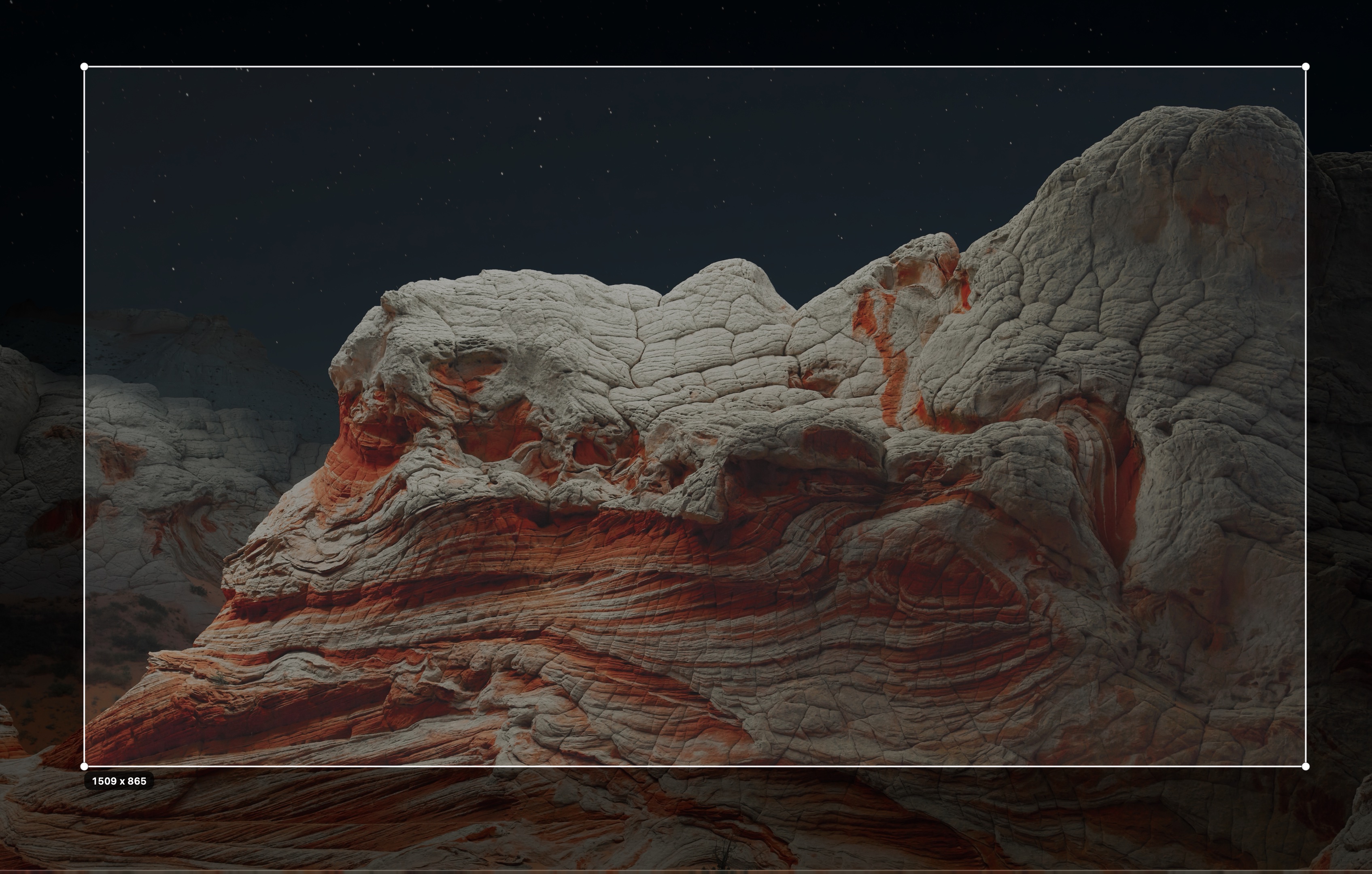
Capture the part of the screen that explains the issue or design.
Use crop, arrows and blur in the screenshot editor. Inspect the exported image before sharing.
Keep the file locally, copy it, or sign in to upload a share link.
Use it for a static layout, error message or one requested change.
Use it when the order of clicks, sound or timing matters.
Hide private information before capture or redact it in the editor. Review the final file.
The Free plan includes unlimited local screenshots. Cloud storage has a plan limit.
Local captures stay on your Mac unless you choose to upload them.
The screenshot editor includes an Extract text tool. Select the region you want to read, then review the recognized text.